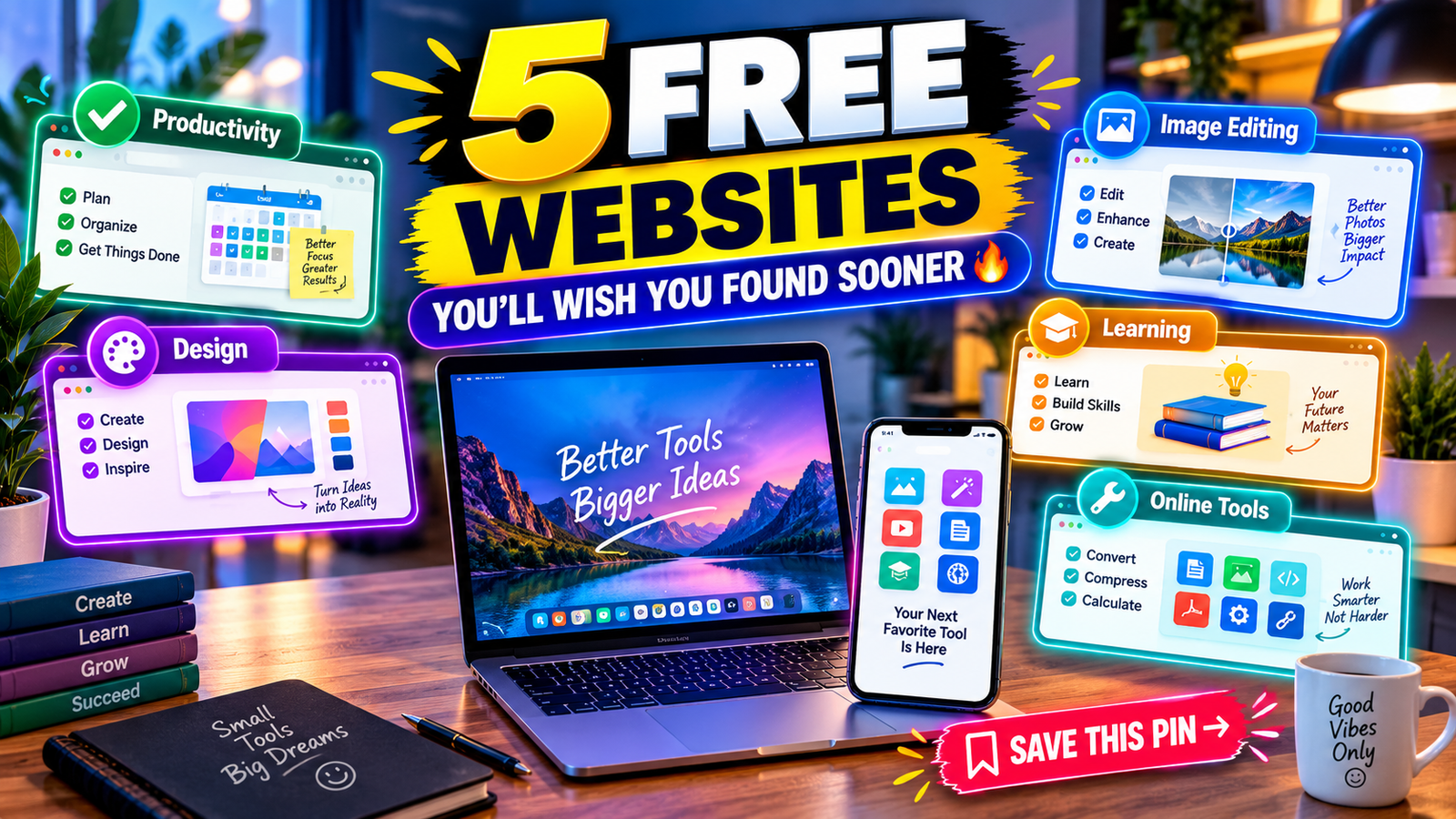
5 Free Websites You’ll Wish You Found Sooner
The internet is full of useful websites, but many of the best ones are surprisingly easy to miss. From finding free learning resources to creating better designs, improving productivity, and discovering useful online tools, the right website can save you time and money.
In this article, we’ll explore 5 free websites you’ll wish you found sooner. These websites are useful for students, creators, freelancers, bloggers, professionals, and anyone who wants to get more done online without spending a fortune.
1. Canva – Create Stunning Designs for Free
Canva is one of the most useful free design platforms available online.
You don’t need advanced graphic design skills to create professional-looking content. Canva offers thousands of templates for social media posts, Pinterest pins, presentations, posters, resumes, thumbnails, flyers, and more.
What Can You Create With Canva?
- Pinterest pins
- YouTube thumbnails
- Instagram posts
- Presentations
- Resumes and CVs
- Posters and flyers
- Blog graphics
- Social media banners
The free plan provides plenty of templates and design elements for everyday projects.
Best for: Bloggers, students, social media creators, freelancers, and small businesses.
2. Remove.bg – Remove Image Backgrounds Instantly
Need to remove the background from an image? Remove.bg can make the process much easier.
Instead of manually selecting objects in complicated photo-editing software, you can upload an image and let the tool automatically detect the main subject and remove the background.
This can be especially useful when creating product images, Pinterest graphics, thumbnails, profile pictures, and social media content.
Why Use Remove.bg?
- Automatic background removal
- Simple interface
- Saves editing time
- Useful for product photos
- Great for social media graphics
- Beginner-friendly
Best for: Content creators, online sellers, bloggers, and designers.
3. Photopea – A Free Online Photoshop Alternative
If you want powerful photo-editing features without installing expensive software, Photopea is worth checking out.
Photopea works directly in your web browser and supports many common image formats. Its interface is designed for users who want more advanced editing features than basic online editors provide.
You can use it for:
- Photo editing
- Graphic design
- Image resizing
- Layer-based editing
- PSD file editing
- Creating social media graphics
- Creating website images
One major advantage is that you can access it directly from a browser without installing a large desktop application.
Best for: Designers, bloggers, students, and advanced image editors.
4. Google Arts & Culture – Explore Art, History & Culture
Google Arts & Culture is a fascinating free resource for people who enjoy art, history, museums, and culture.
You can explore artworks, museums, historical collections, famous landmarks, and cultural experiences from around the world.
It’s also useful for students and anyone looking for inspiration or educational material.
Things You Can Explore
- Famous artworks
- Museums
- Historical collections
- Cultural stories
- Artists
- Landmarks
- Virtual experiences
Instead of simply browsing random websites, you can spend time exploring educational content from cultural institutions around the world.
Best for: Students, teachers, history lovers, artists, and curious learners.
5. TinyWow – Free Online Tools in One Place
TinyWow is a useful collection of online tools designed for everyday digital tasks.
Instead of searching for a separate website for every small task, you can find tools for working with PDFs, images, documents, and other files in one place.
Depending on the tool, you may be able to:
- Convert files
- Compress documents
- Edit PDFs
- Convert images
- Work with documents
- Resize images
- Perform other quick online tasks
For people who regularly work with digital files, having a collection of simple tools in one place can be convenient.
Best for: Students, freelancers, office workers, bloggers, and everyday internet users.
Why These Free Websites Are Worth Bookmarking
The biggest advantage of these websites is convenience. Instead of spending hours looking for different tools, you can bookmark useful websites and return to them whenever you need them.
Whether you’re designing a Pinterest pin, editing an image, learning something new, or working with documents, free online tools can make everyday tasks much easier.
They can also be particularly helpful if you’re a student, blogger, freelancer, content creator, or small business owner working with a limited budget.
5 Free Websites at a Glance
| Website | Best For | Free Access |
|---|---|---|
| Canva | Graphic design | Yes |
| Remove.bg | Background removal | Yes |
| Photopea | Advanced image editing | Yes |
| Google Arts & Culture | Art & learning | Yes |
| TinyWow | Online file tools | Yes |
Frequently Asked Questions
Are these websites really free?
All five websites offer free features or free access, although some may also provide optional premium features, usage limits, or paid upgrades.
Which website is best for graphic design?
Canva is particularly useful for beginners who want ready-made templates and an easy design interface.
Which website can remove an image background?
Remove.bg is designed specifically for automatic image background removal.
Is Photopea good for beginners?
Photopea has advanced features, so beginners may need some time to learn the interface. However, it can be a useful browser-based alternative for people who want more editing control.
Are free online tools safe to use?
Always check a website’s privacy policy and terms before uploading sensitive or confidential files. Avoid uploading documents containing passwords, financial information, or other private data to unfamiliar services.
Final Thoughts
You don’t always need expensive software or paid subscriptions to get useful things done online. These 5 free websites can help with design, image editing, education, and everyday digital tasks.
If you haven’t tried them yet, bookmark your favorites and explore what they can do. You may discover a tool that saves you hours of work every week.
Which one of these free websites would you use first?