Free Online Tools You Need to Try in 2027: Boost Your Productivity with RegenrationEra Tools
Are you looking for free online tools to make content creation, social media marketing, and image editing easier? You don’t always need expensive software or complicated applications to complete everyday digital tasks. With the right online tools, you can save time, discover new ideas, and improve your workflow in just a few clicks.
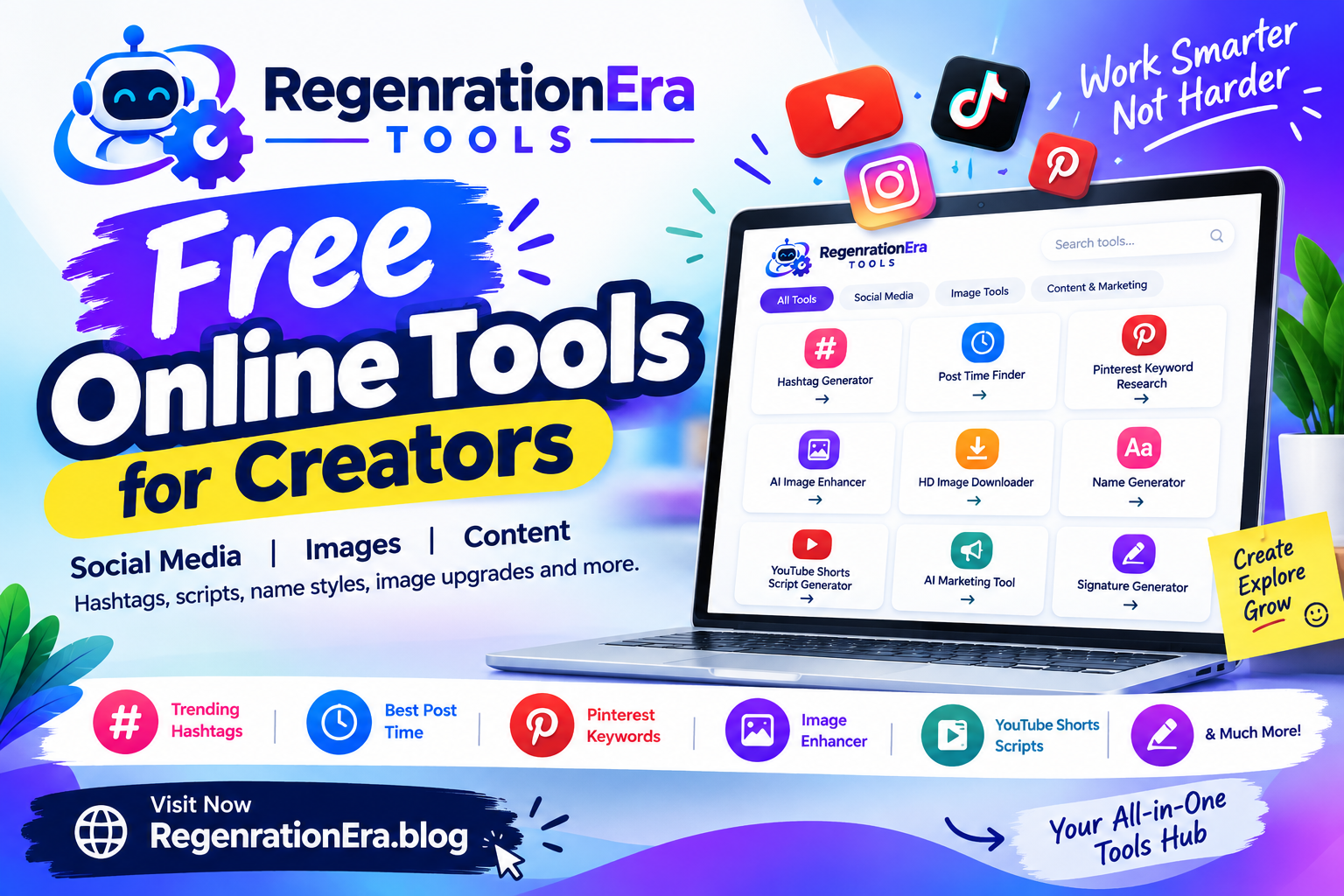
RegenrationEra Tools brings together a collection of free online tools designed to help content creators, bloggers, social media users, and digital marketers work more efficiently. From generating hashtags and researching Pinterest keywords to enhancing images and creating YouTube Shorts scripts, there are useful tools for different creative needs.
In this guide, we’ll explore the benefits of free online tools and how you can use RegenrationEra to simplify your daily tasks.
What Are Free Online Tools?
Free online tools are web-based utilities that help users complete specific tasks directly through a browser. Depending on the tool, you might generate ideas, create text, research keywords, improve images, or organize your content without installing additional software.
These tools can be especially helpful for beginners, students, bloggers, YouTubers, and small business owners who want practical solutions without paying for expensive subscriptions.
RegenrationEra Tools organizes several utilities into three main categories: social media, image tools, and content and marketing.
1. Trending Hashtag Generator
Hashtags help categorize social media posts and make their topics easier to identify. A hashtag generator can help you discover relevant hashtag ideas for Instagram, TikTok, YouTube, and other platforms.
Instead of thinking of every hashtag manually, you can use a generator to brainstorm terms related to your post.
Best for:
- Social media creators
- Small businesses
- Influencers
- Digital marketers
Tip: Choose hashtags that accurately describe your content. Popular hashtags alone do not guarantee more views or engagement.
2. Global Post Time Finder
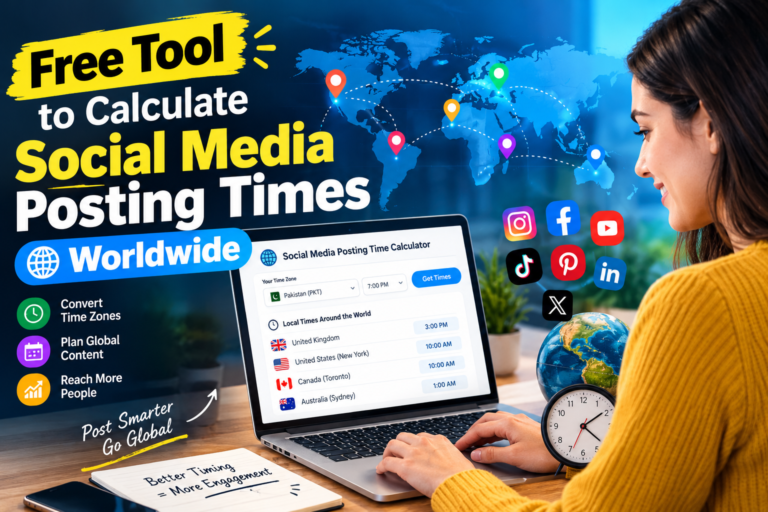
Publishing content at a suitable time can help you reach your intended audience when they’re active online. This becomes more important if your followers live in different countries and time zones.
The Global Post Time Finder helps you explore posting times for audiences in different locations.
You can use it when planning Instagram posts, TikTok videos, YouTube uploads, or other social media content.
Best for: Creators with international followers, social media managers, and online businesses.
Remember that the best posting time varies by audience. Review your platform analytics and experiment with different schedules to find what works for you.
3. Pinterest Keyword Research Tool
Pinterest works as a visual discovery and search platform, making keyword research an important part of creating searchable Pins.
The Pinterest Keyword Research tool can help you explore relevant keyword ideas for your topics. These ideas can guide your Pin titles, descriptions, and content planning.
For example, if you’re creating Pins about home decor, you could brainstorm phrases such as:
- Small living room ideas
- Modern bedroom decor
- Budget-friendly kitchen upgrades
- Minimalist home organization
Best for: Pinterest creators, bloggers, affiliate marketers, and website owners.
Use keywords naturally and make sure your Pin accurately represents the page it links to.
4. AI Image Enhancer
Low-quality or blurry images can make a design look less professional. An image enhancement tool can help improve the appearance of supported images by making details clearer or reducing some visual imperfections.
An AI Image Enhancer is useful for preparing pictures for blogs, social media posts, presentations, and other digital projects.
Possible uses include:
- Improving the appearance of older photos
- Preparing images for blog posts
- Making graphics look clearer
- Enhancing pictures for social media
Results depend on the original image and the tool’s capabilities. Enhancement cannot always restore details that were never captured in the first place.
5. HD Image Downloader
Sometimes you need to download an image in the highest quality available from a supported source. An HD image downloader can simplify this process when the website and image format allow it.
Before downloading or reusing an image, check its copyright status, license, and the website’s terms. An image being available online does not automatically mean it is free to use commercially.
Best for: Users managing their own image collections and creators working with images they have permission to download.
6. Stylish Name Generator
Want to give your social media profile a distinctive look? A stylish name generator can transform ordinary text into decorative Unicode styles that you can copy and use where supported.
These styles may be useful for:
- Instagram display names
- TikTok profiles
- Gaming usernames
- Creative social media bios
Keep your name readable and avoid using too many decorative characters. Some fonts or symbols may not display correctly on every device or platform.
7. YouTube Shorts Script Generator
Creating short videos regularly can be challenging, especially when you need fresh ideas and engaging openings. A YouTube Shorts Script Generator can help you develop a starting script for your next video.
A useful short-form script often includes four elements:
- Hook: Grab attention in the opening seconds.
- Main content: Deliver the core information or story.
- Payoff: Give viewers the answer, result, or key takeaway.
- Call to action: Invite viewers to comment, subscribe, or explore related content when appropriate.
For example, a video about productivity could begin with a hook such as, “Here are three free tools that can save you time every week.”
You can then explain each tool briefly and end with a relevant call to action.
Treat generated scripts as a first draft. Add your own examples, check factual claims, and adjust the wording to match your style.
8. AI Marketing Tool
Writing marketing content for a product, service, or website takes time. An AI Marketing Tool can help you brainstorm promotional ideas and draft copy for different campaigns.
You might use marketing assistance to develop:
- Social media captions
- Product descriptions
- Promotional headlines
- Content ideas
- Short advertising copy
For the best results, provide clear information about your audience, product benefits, and preferred tone. Review the output before publishing, particularly when it includes claims about prices, performance, or results.
9. Free Signature Generator
A signature generator can help you create a handwritten-style signature design for personal projects, email graphics, or documents that accept image signatures.
It may be useful when you want a consistent visual signature without drawing one from scratch.
However, a decorative digital signature is not automatically a legally valid electronic signature. For contracts or official documents, check the recipient’s requirements and use an appropriate signing method.
Why Use RegenrationEra Tools?
Having several useful tools available in one place can make everyday creative work more convenient. Instead of searching separately for a utility every time you need one, you can browse a collection organized around common tasks.
Here are some potential benefits:
Easy Access
The tools are available through a website, so you can visit them using a compatible browser without necessarily installing an application.
Useful for Different Tasks
Whether you need hashtag ideas, Pinterest keywords, image improvements, or help drafting a video script, you can explore tools suited to different parts of your workflow.
Helpful for Beginners
Simple web-based utilities can provide a starting point for people who are learning social media marketing, blogging, or content creation.
Support for Content Creators
Bloggers, YouTubers, and social media creators can use these tools to brainstorm ideas and organize parts of their content workflow.
Convenient for Everyday Work
Using a tool designed for one specific task can be quicker than trying to complete everything manually or using complicated software.
Note: Features and results vary by tool. Check the individual tool page for its current capabilities and any usage limitations.
How to Get Started with RegenrationEra Tools
Getting started is simple:
- Visit RegenrationEra.blog.
- Open the tools collection.
- Choose a category: Social Media, Image Tools, or Content & Marketing.
- Select the tool that matches your task.
- Follow the instructions on the tool’s page.
- Review the result and customize it before using it in your project.
For example, you could research Pinterest keyword ideas, prepare a Pin description, and then use a suitable image tool to improve your visual content.
Tips for Getting Better Results from Free Online Tools
To get more value from online tools, keep these practical tips in mind:
- Be specific: Clear topics and keywords usually lead to more useful ideas.
- Review the output: Check generated text for accuracy, originality, and readability.
- Keep your audience in mind: Choose wording and visuals that suit the people you want to reach.
- Respect copyright: Only download or reuse images when you have permission or a suitable license.
- Protect private information: Avoid uploading sensitive images or personal data unless you understand the tool’s privacy practices.
- Measure performance: Use your social media analytics to see which content performs well.
- Experiment: Test different titles, descriptions, keywords, and posting schedules rather than relying on one suggestion.
Frequently Asked Questions (FAQs)
Are RegenrationEra Tools free to use?
The website presents a collection of free online tools. Check each individual tool page for current access conditions, feature availability, and any usage limits.
Do I need to install software?
The tools are accessed through the website, so you can generally start by opening the relevant page in your browser. Individual features may have specific requirements.
Which tools are useful for social media creators?
The Trending Hashtag Generator, Global Post Time Finder, Pinterest Keyword Research tool, Stylish Name Generator, and YouTube Shorts Script Generator can all support different parts of a social media workflow.
Can these tools help grow my social media accounts?
They can help with tasks such as brainstorming hashtags, planning content, and preparing scripts. However, no tool can guarantee followers, views, viral reach, or higher engagement. Results also depend on content quality, audience interest, consistency, and platform algorithms.
Are online image downloads always copyright-free?
No. Downloading an image does not automatically give you permission to republish or use it commercially. Always check the source’s license and usage conditions.
Final Thoughts
Free online tools can make content creation, social media planning, and everyday digital tasks easier. Whether you’re a blogger researching keywords, a creator preparing YouTube Shorts, or a marketer working on promotional copy, the right utilities can help you save time and organize your workflow.
Explore the tools available at RegenrationEra.blog and find the ones that fit your next project.
Start with one tool, experiment with its results, and build a workflow that works for you.